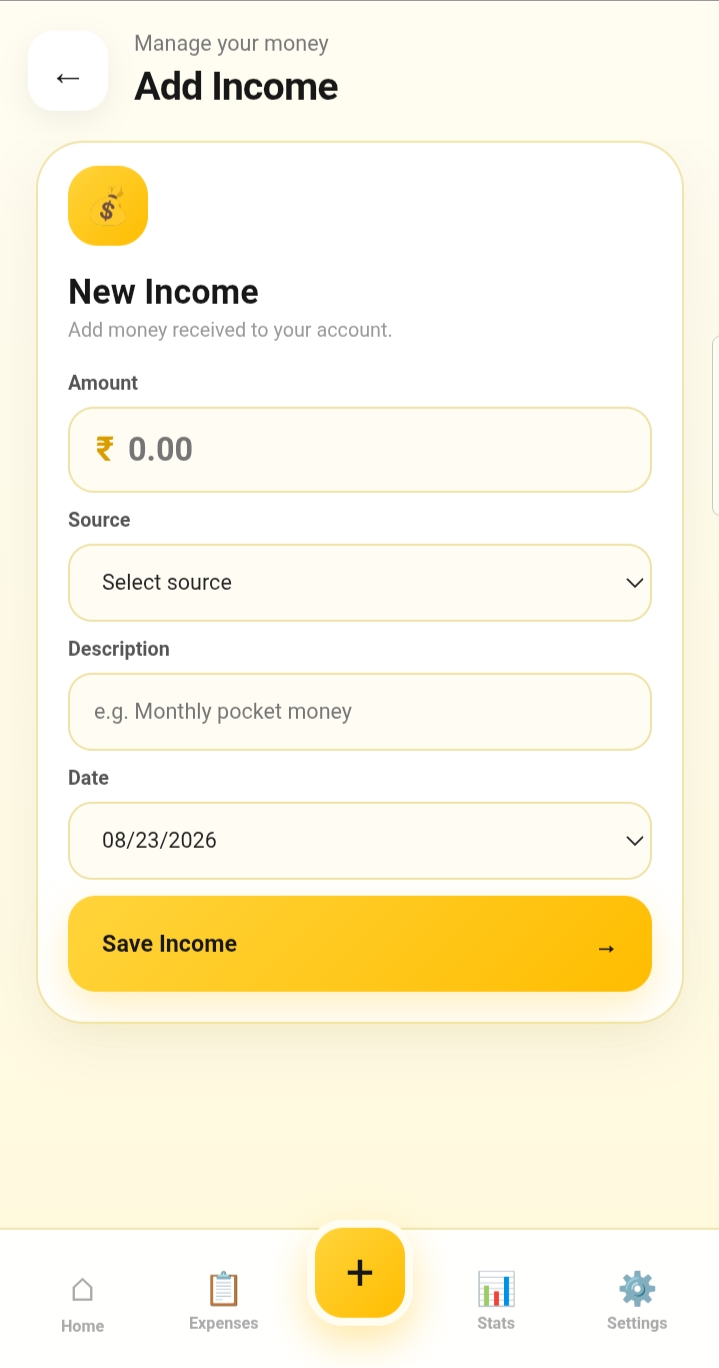
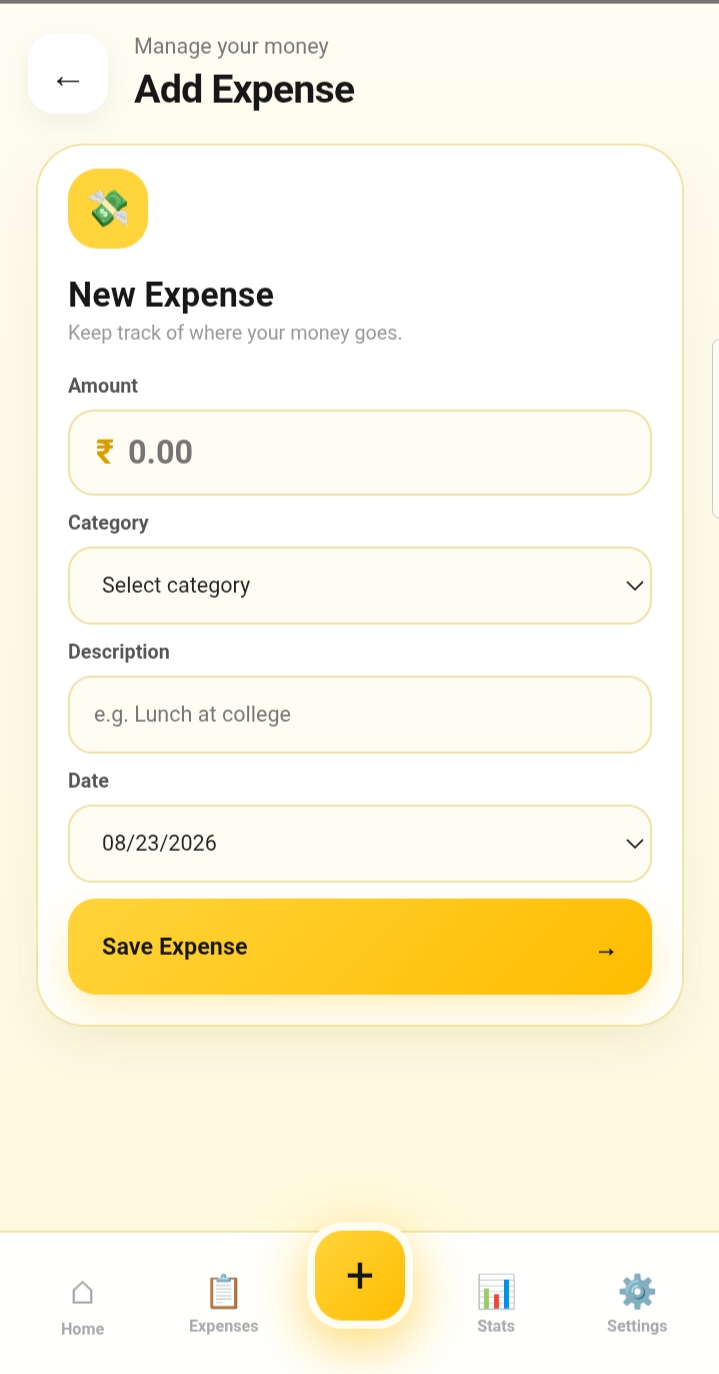
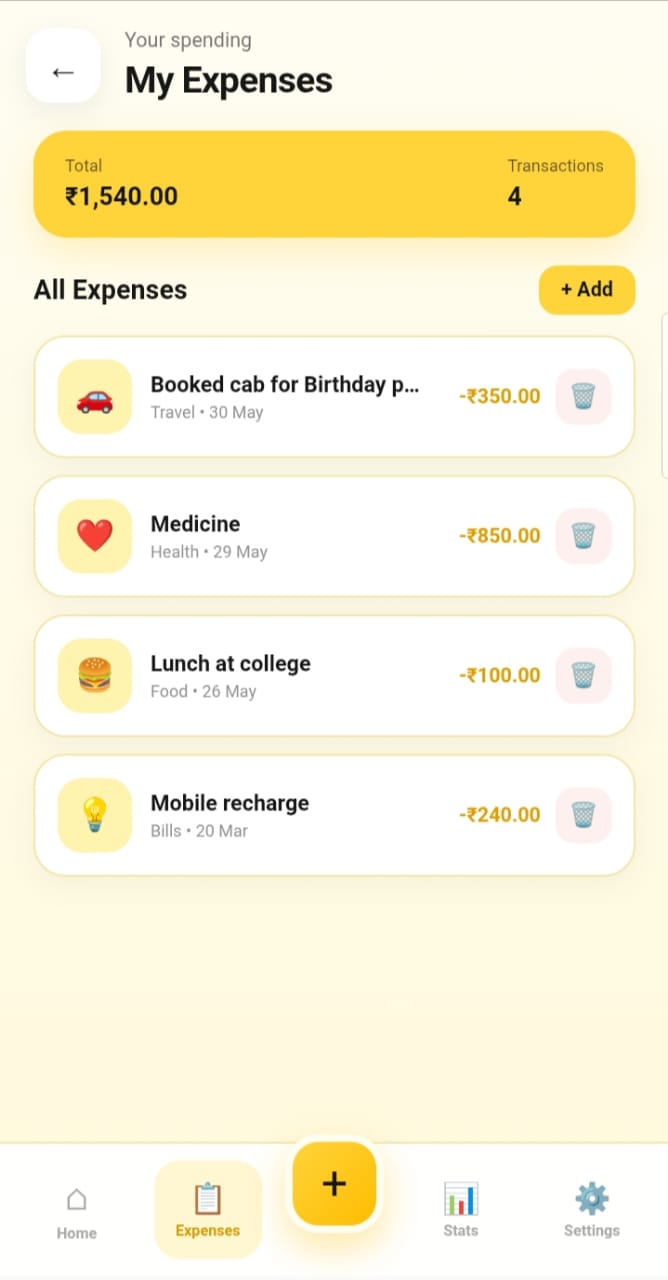
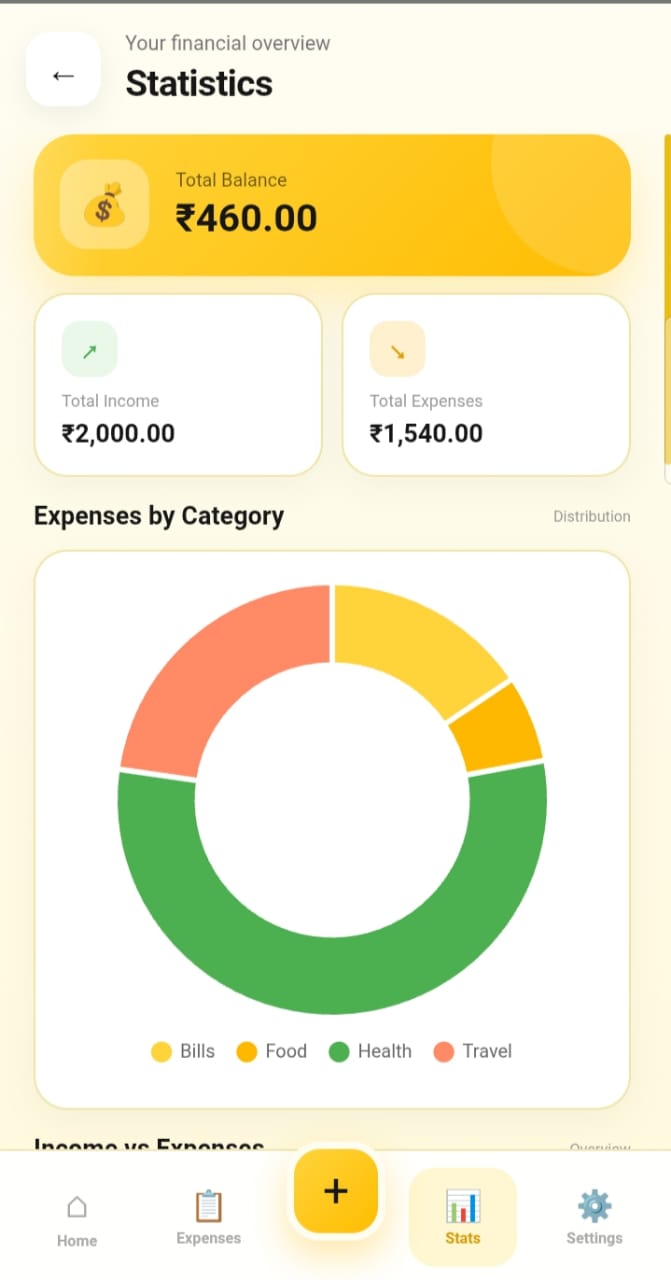
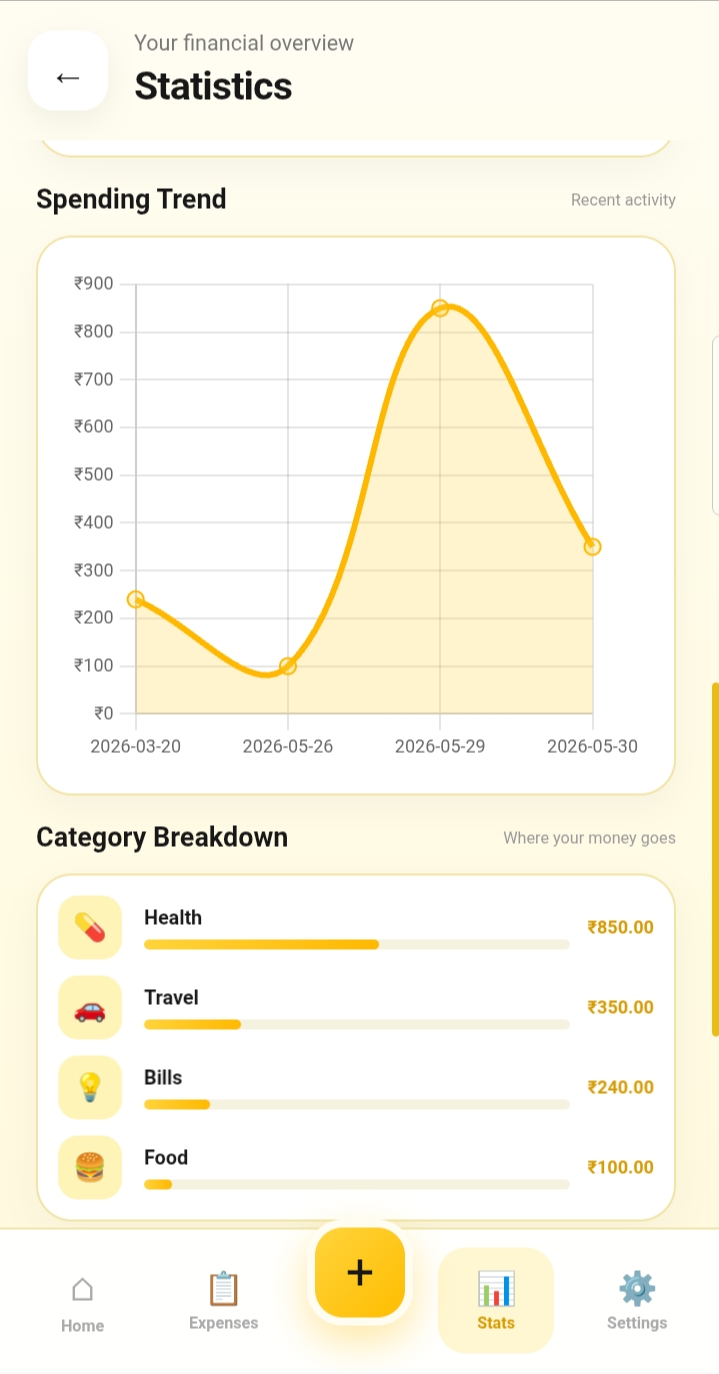
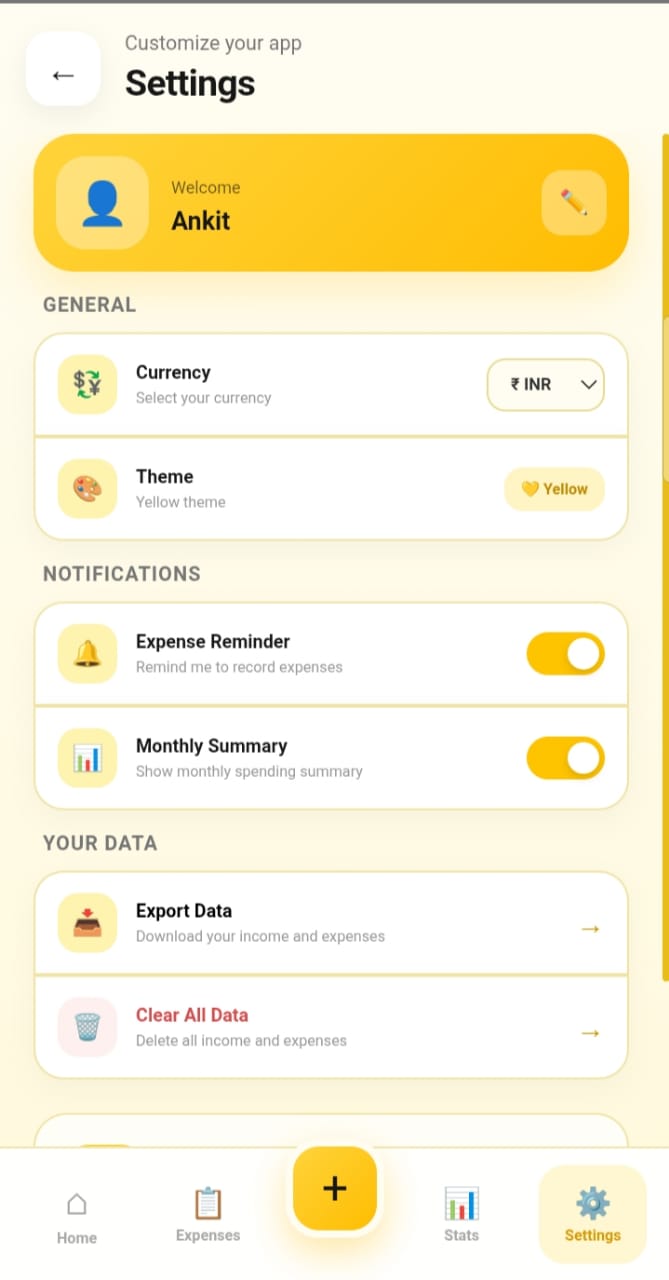
A simple, attractive and user-friendly expense management application designed to help users record, organize and monitor their daily spending.
Project Overview
Expense Tracker is a personal finance management application created to make recording and monitoring everyday expenses simple and convenient.
The application allows users to enter their expenses, organize their spending and keep track of their financial activities through an easy-to-use interface.
The project was initially developed as a web application and was later adapted into an Android application using Capacitor.
The main goal of this project was to build a practical application while improving my understanding of front-end development, JavaScript logic, application design and mobile app deployment.
What It Can Do
Users can easily record new expenses and enter the required information.
Monitor spending and understand how much money is being used.
Expenses can be organized to make personal spending easier to understand.
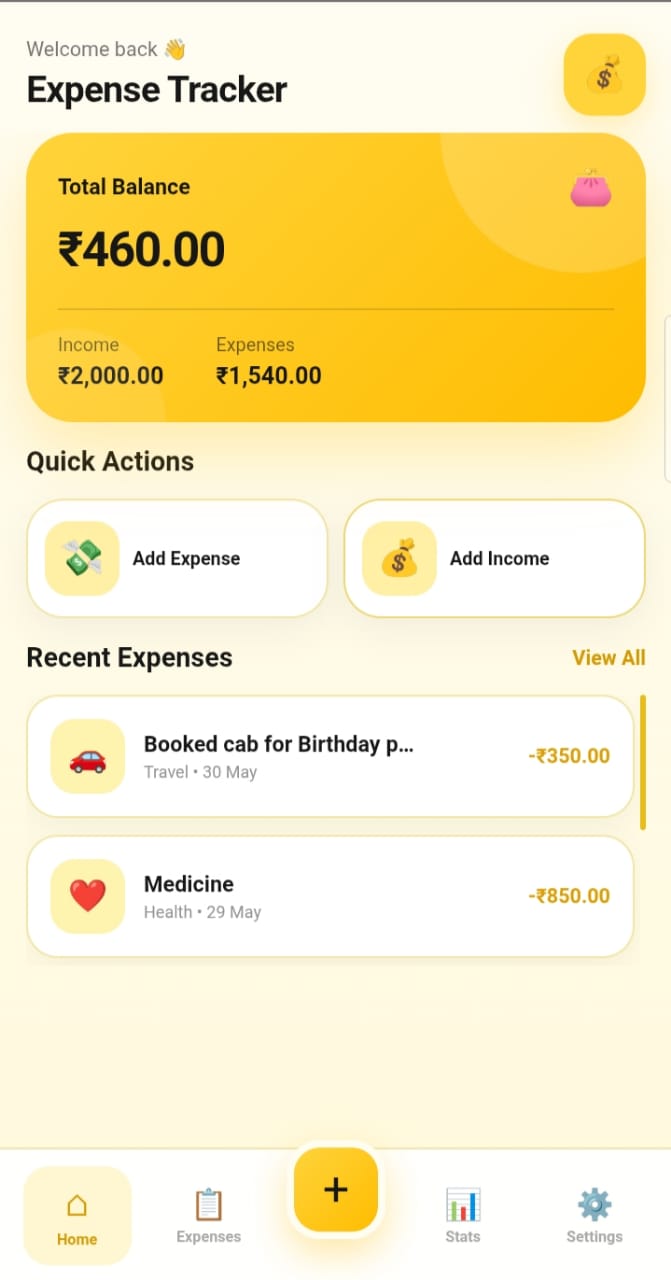
Previously entered expenses can be viewed and managed from the application.
The interface is designed to work comfortably on mobile devices.
The application focuses on a clean interface that is easy for users to understand.
Built With
Project Preview
Development Approach
This project was developed using a Vibe Coding approach.
I designed the project idea, decided the required functionality and worked on the overall development process while using AI tools, including ChatGPT, as a coding assistant.
AI assistance was used for tasks such as generating and improving code, debugging errors, understanding technical concepts, improving the user interface and helping implement different project features.
The development process was iterative: I tested the application, identified problems, made changes and continued improving the project until the desired result was achieved.
Vibe Coding was used as a development aid, while the project direction, testing, decisions and implementation process were actively handled by me.
How It Was Developed
Planned the purpose of the application, required features and overall user experience.
Created the application interface using HTML, CSS and JavaScript.
Implemented expense-related functionality and JavaScript logic.
Tested different features, identified errors and fixed issues during development.
Used Capacitor to package the web application as an Android application.
Improved the interface, responsiveness, usability and overall appearance of the project.
Project Highlights
Through this project, I improved my understanding of HTML, CSS and JavaScript-based application development.
I learned how different parts of a front-end application work together to create a functional user experience.
I also gained practical experience with debugging, responsive design, application testing and converting a web project into an Android application using Capacitor.
Most importantly, the project helped me understand how AI-assisted development and Vibe Coding can be used as tools to accelerate learning and project development.